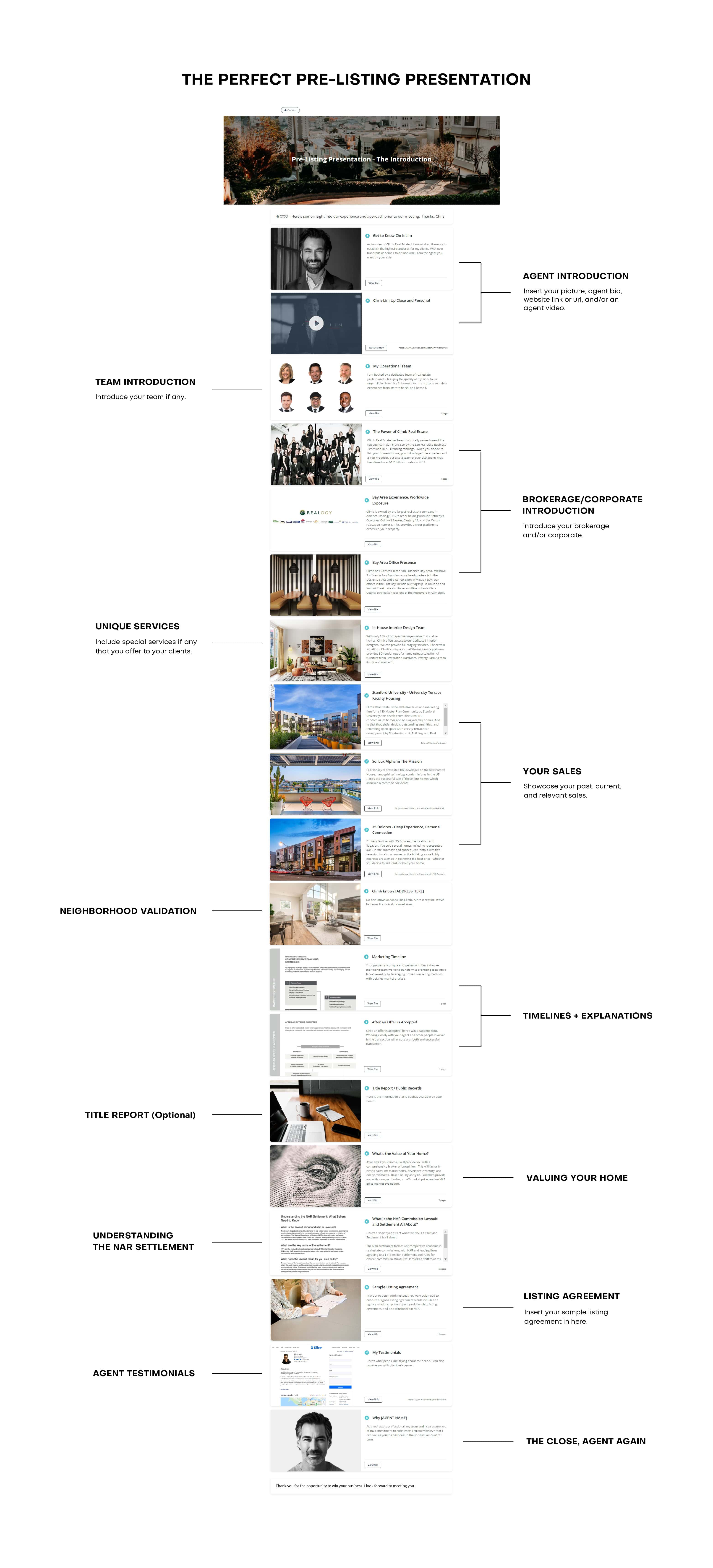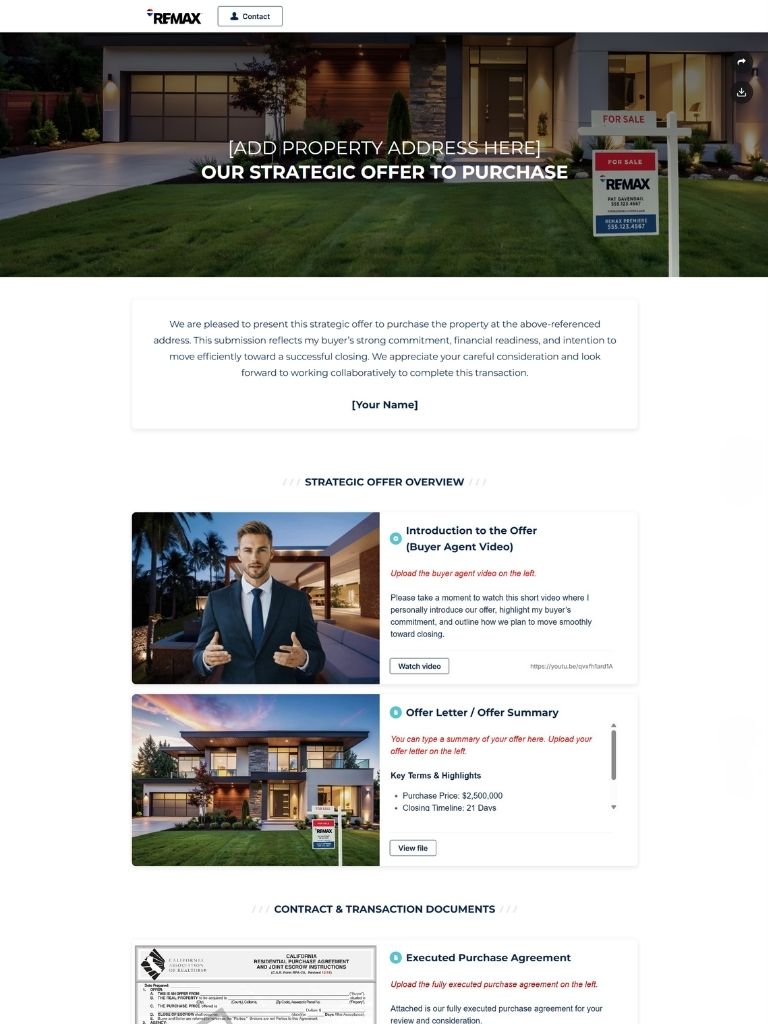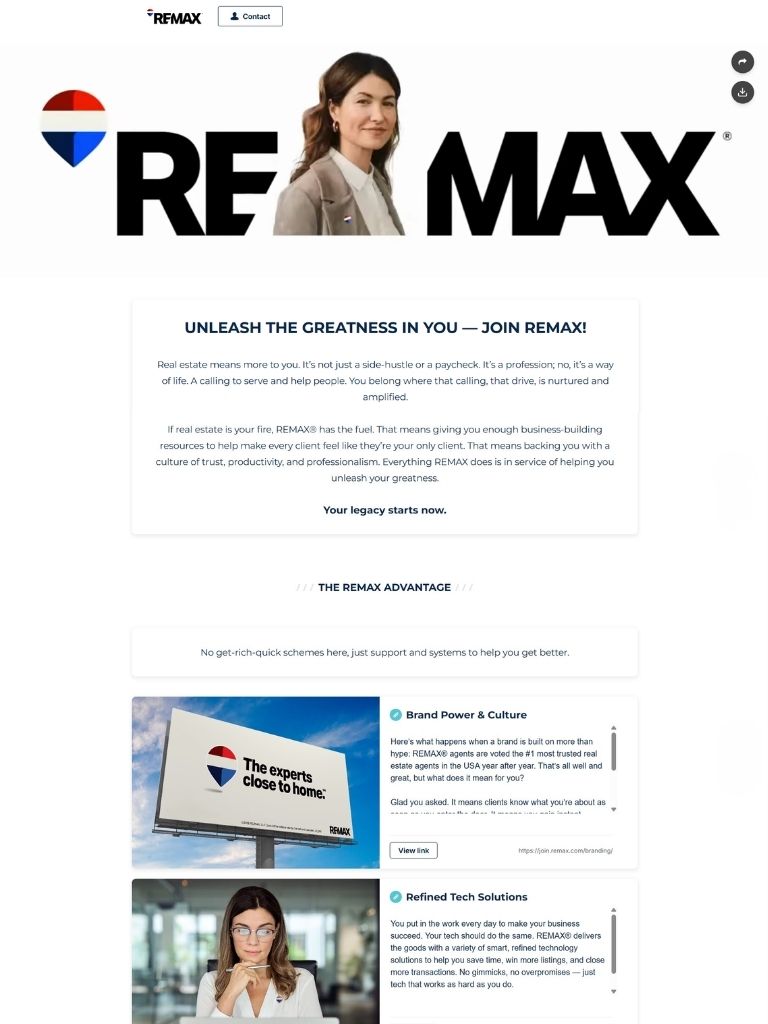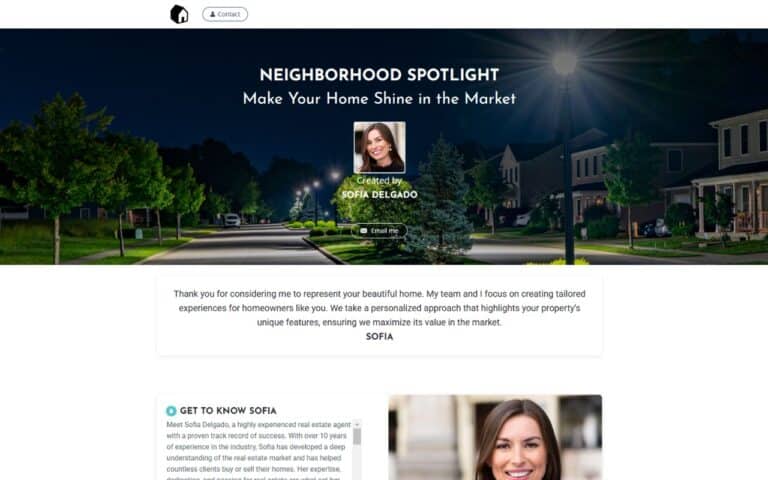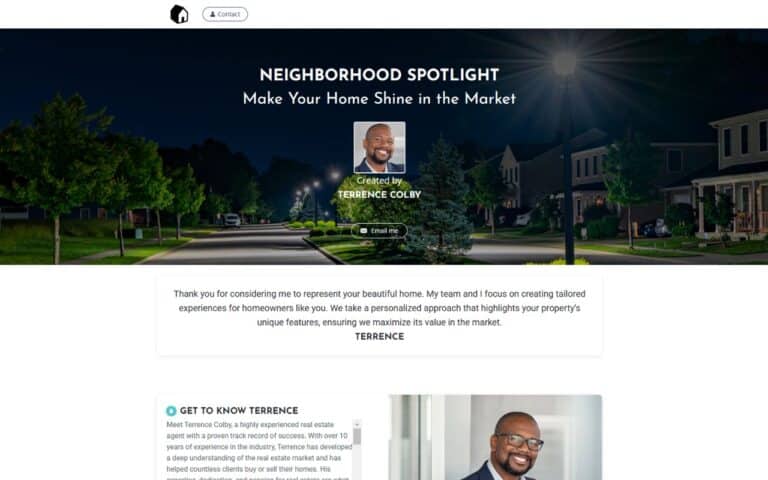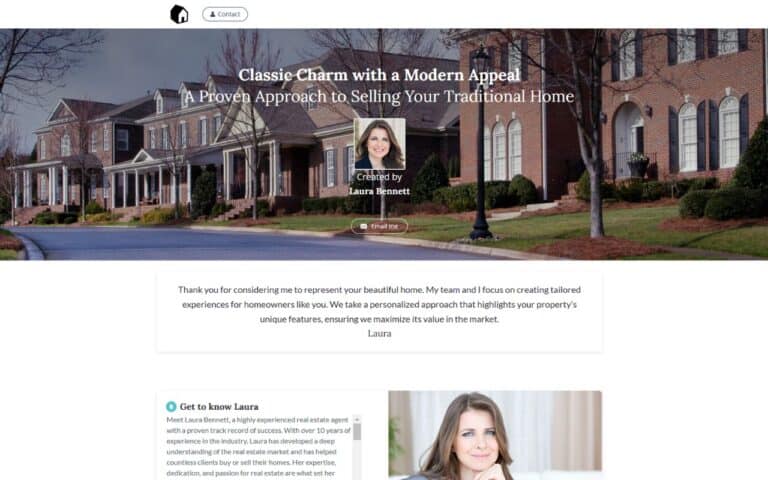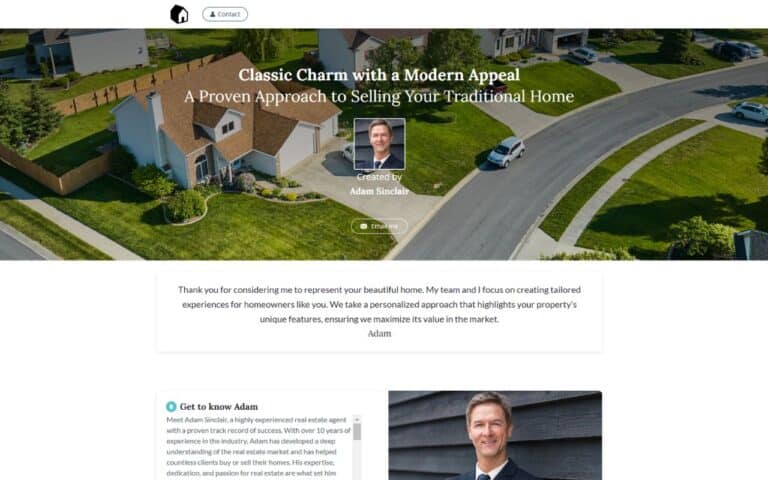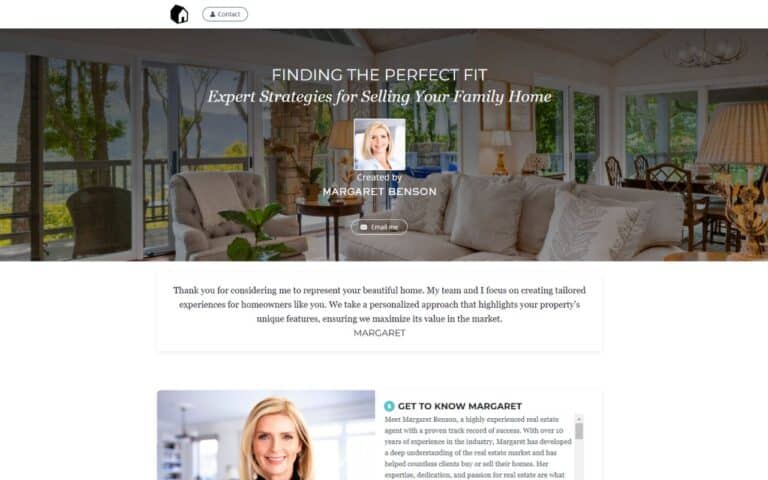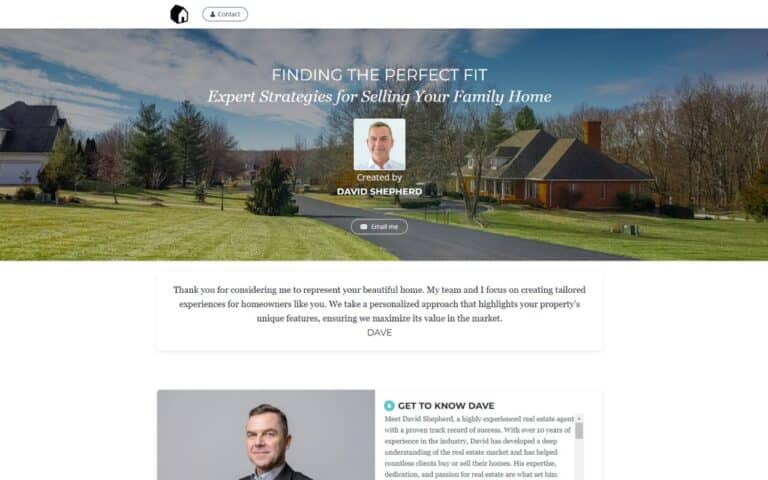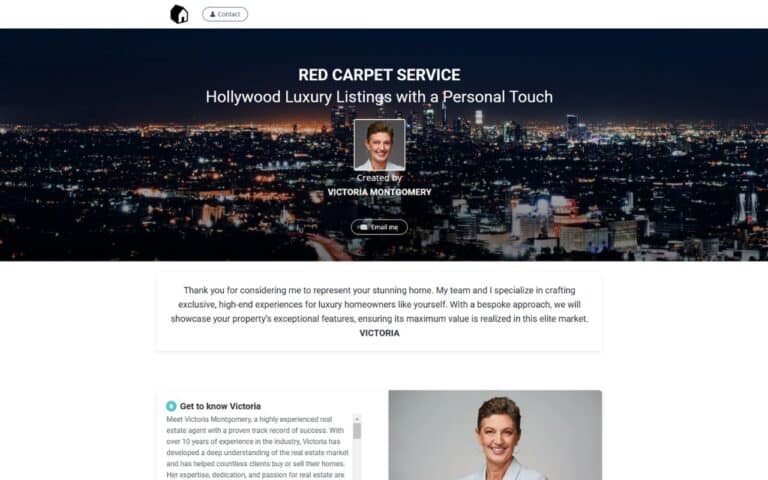
Start with a professionally structured Highnote template for your next proposal, pitch, client update, or real estate presentation. Choose a format that fits the decision, duplicate it, and replace the sample material with your brand, evidence, files, and next steps.
Use the template as a decision framework, not a finished document. A useful presentation template normally makes these elements easy to find:
Remove any section that does not help this audience decide, but do not hide assumptions, exclusions, responsibilities, or material trade-offs.
Start with the facts that change from one opportunity to the next: the recipient, current situation, objective, constraints, timing, and decision criteria. Keep repeatable brand and process material in reusable blocks, then replace generic examples with relevant evidence. Before sending, confirm names, dates, figures, links, permissions, and the requested next step.
Choose a layout that matches the decision, not simply the visual style. Short, straightforward opportunities need a compact sequence; higher-risk or multi-stakeholder decisions need more evidence, comparison, and implementation detail. Look for sections you can remove, reorder, or expand without breaking the narrative, and confirm that the design remains readable on a phone as well as a desktop.
A Highnote template gives you a reusable starting point while leaving room for client-specific files, visuals, video, links, and supporting material. Share the finished presentation as a link so the recipient can review it without managing a bulky attachment. Highnote’s sharing and analytics tools can also show how recipients interact with the presentation, which can help you prepare a more relevant follow-up.
Watch for the most common failure on this SERP: choosing a template for its colors before checking whether its structure fits the audience and decision. Read the page once from the recipient’s point of view. If a key term, number, responsibility, or decision would still require an email to understand, clarify it in the presentation or state exactly where it will be confirmed.
A useful presentation template should include template purpose and intended audience, logical content sequence, customizable brand and client fields, supporting files and media, plus a clear next step. The exact order should follow the recipient’s decision rather than a fixed slide count.
Replace the client name and logo, then go further: adapt the opening, scope, evidence, timeline, pricing, examples, and call to action to the actual opportunity. Delete irrelevant pages instead of leaving generic filler.
Use the shortest version that answers the recipient’s main questions. Simple opportunities may fit in a few sections, while complex or high-value decisions need more evidence, implementation detail, and terms. Clarity matters more than a preset page count.
Yes. Keep approved brand, process, team, and terms blocks reusable, but review every client-specific fact before sending. A checklist for names, figures, links, dates, scope, and old client references prevents common template errors.
Yes. Highnote presentations can combine supporting files, video, links, and other material in one organized experience. Add only items that help the recipient understand or decide, and confirm you have permission to share them.
Highnote provides presentation analytics and engagement information. Use those signals as context for a helpful follow-up, not as proof of intent or a substitute for a direct client conversation.